Search

Librarian Design Share

inspiration for library creatives

Tag

photoshop

What Did You Do Today?

Often we create a single design to promote a library event, but every now and then an event is so important that it deserves an entire marketing campaign.  This was the case for Maryland Day.

Rebecca Hopman, Special Collections Coordinator and Instruction & Outreach Team Member at the University of Maryland, says:

Each year our university hosts Maryland Day, an annual open house for the community, prospective students, and current students, faculty, and staff. The event is a chance for academic departments, campus offices, and local community organizations to connect with visitors. The UMD Libraries ran several events, most of which were held in Hornbake Library and McKeldin Library. Our team created promotional materials to advertise the UMD Libraries’ events and our “What did you do today?” social media campaign, including posters, a library website ad, TV monitor slides, and postcards for people to take with them or mail to a friend or family member.
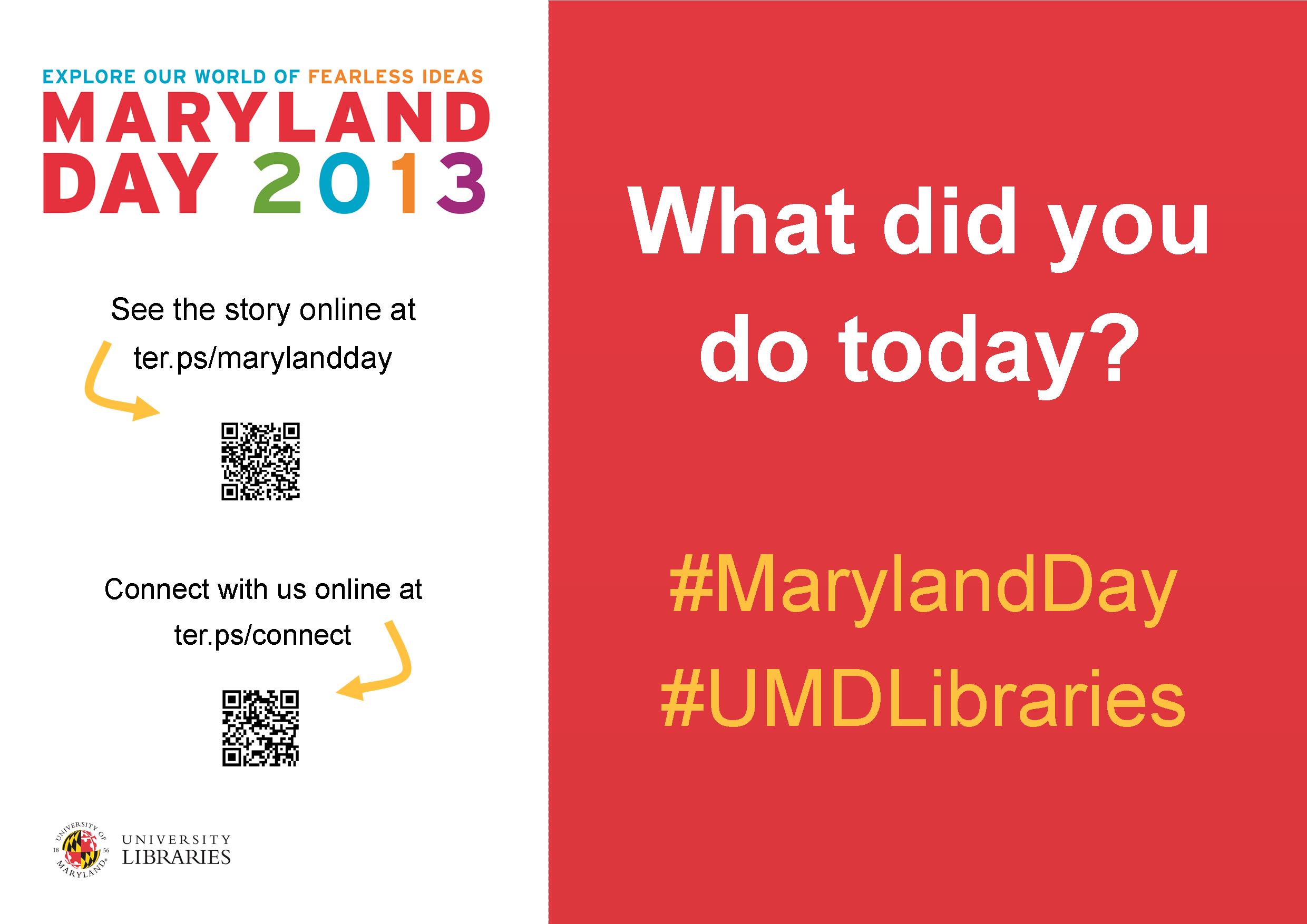
poster

Poster created using Publisher

mailsign1

Mail Bin Sign created using Photoshop

Picture1

Postcard created using Publisher

slide5

TV monitor slide created using PowerPoint

We wanted to keep the design fun, simple, and colorful, so we used our official university colors (red, yellow, black, and white) as well as Maryland Day colors (bright red, green, blue, orange, and purple). For the postcards and slides we took original photos of our activities, and we used images from our digital collections to advertise the fact that we would stamp and mail postcards for people who wanted to send them to friends and family members. With each design, we tried to keep the amount of information to a minimum and emphasize the sharing/online component.

Wow, right?  Everything UMD has done here is awesome, but I especially enjoyed the social media aspect, because you can see how much the community enjoyed the event!

Rebecca and her colleagues, Laura Cleary, Special Collections Coordinator and Instruction & Outreach Team Leader, and Sarah Espinosa, Graduate Student Assistant and Instruction & Outreach Team Member, used a variety of programs to best suit their creative needs.  For the original files of any of the designs, contact Laura Cleary.

Designing a Presentation About Design

Yesterday April and I were fortunate enough to present at the Amigos Annual Member Conference. Their theme for this year was Ingenuity, Imagination, and Innovation: Using Creative Solutions in Today’s Library, which we thought was a great opportunity to share the creativity on display on Librarian Design Share.

Here are the slides from our presentation.

Look familiar? We tried to feature different designs you’ve shared with us as well as some of our own. I used Photoshop to create all of the slides (1024 px x 768 px), then inserted them as images into a Google Presentation that April and I worked on together. It was kind of a pain, but it was the only way to use the font selection from the Librarian Design Share logo in Google Presentations. Overall, I’m pretty happy with the results.

We had a great time presenting and learned a lot from the folks that came to hear us speak. Thanks, Amigos!

If you’d like to adapt or reuse any of the Photoshop slide files, send me an email.

Visualizing Collections

afro-am-imprints

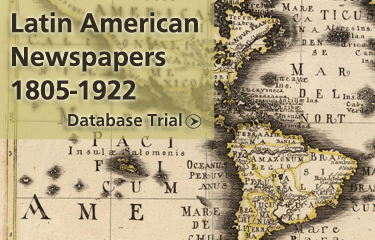
We’re nearing the end of the fiscal year at my library, which means we’re in a mad dash to spend our acquisitions budget. As a result we have a number of different databases on trial at the moment. Each of these slides appears on our library’s website and are meant to draw people in to the database content.

It’s a tricky thing to do. Databases are not often considered “sexy” and unless they’re archival collections with interesting images like the Afro-Americana Imprints, it can be difficult to draw users in to check them out.

latin-american-newspapers

I created each slide in hopes that they would catch the eyes of our students and faculty and introduce them to a new resource. I’ll let you know if they work!

For the original Photoshop files, email Veronica Arellano Douglas.

Kindle Inspiration

Kindle is hereThis submission is a great example of what we hoped Librarian Design Share could do. Here’s what Bohyun Kim from Florida International University Medical Library has to say about her new Kindle lending program advertisement:

This is a poster I created [using Photoshop] for my library’s new Kindle e-book reader lending program sponsored by the National Network of Libraries of Medicine/Southeast Atlantic Region Express Mobile Technology Project Award. The poster will be printed on a large glossy paper (36′ x 24′). This poster design has been inspired by the circulation desk signage of Saint Mary’s College of Maryland Library featured on Library Design Share back in December.

You can read more about Bohyun’s poster creation on the ACRL Tech Connect blog (which, if you’re not reading, you should definitely checkout!). If you’ve been inspired by any of our posts, we’d love to feature your adaptations.

For the Photoshop file of this poster, email Bohyun Kim.

Taking Advantage of Cover Art

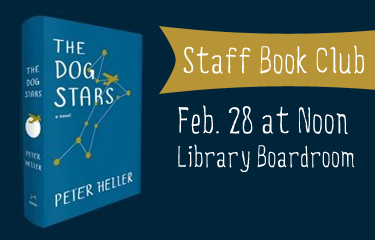
Book Club AdvertisementSometimes the image you have to work with is so attractive that it should be the center piece of your flyer or event advertisement. I think the cover art and color scheme for The Dog Stars by Peter Heller is just beautiful. The easiest thing for me to do was just include a picture of the book! I think the advertisement is brief and graphic and gets the job done. The font is 5 Minutes from FreeTypography.com.

For the original Photoshop files, email Veronica Arellano Douglas.

An Icon for Library Mobile Apps

Library, bookstackFrom Michael Schofield, at the Alvin Sherman Library, Research, and Information Technology Center at Nova Southeastern University:

Our university has an iOS and Android app called iShark. So, the library originally had zero presence within that hub, which essentially was linked out to the websites for Athletics and Dining and Parking, etc.(even though ours was the only responsive website university-wide [but I digress …]). Eventually, things came together and I had to create a graphic that was immediately identifiable as a button smaller than the average thumb. This is what I did. I figured that since we had no need to include our library’s full name, this graphic is widely applicable and I wanted to share.

Thanks for sharing your design, Michael. This is a great graphic for anyone looking for a mobile icon for their library. For the original Photoshop file, email Michael Schofield.


Attack of Too Much Information: Workshop Advertisements

EndNote Workshop FlyerEndNote-workshop-sliderThis was an email and web flyer created to advertise our library’s upcoming EndNote workshop series. I always struggle with how much info to put on a flyer. I obviously want to give the pertinent details about an event, but sometimes I just feel overwhelmed by text. I always try to keep it graphic and balance out chunks of texts by changing up font sizes and colors when possible. The ad for our website (second image) left out a lot of details and just linked to our library’s blog post. I like it a lot more! It’s just so much cleaner.

How do you balance out event info on a flyers while still maintaining a visually appealing ad?

For the original Photoshop files, email Veronica Arellano Douglas.

Oh No You Didn’t Just LOLCat Us

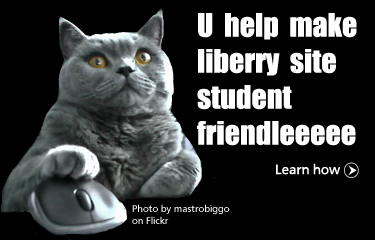
U help make liberry site student friendleeeeeDespite years of resistance, I LOLcat-ted. I blame it on the abundance of Creative Commons licensed photos of cats and computers on Flickr. Using Photoshop’s always handy magnetic lasso tool, I cut Mr. Kitty out of his cute photo and used him to promote our library’s call for website usability testing volunteers. The font is Impact and the photo is from Flickr user mastrobiggo.

For the Photoshop file of this slide, email Veronica Arellano Douglas.

A Little Help from Stormtroopers

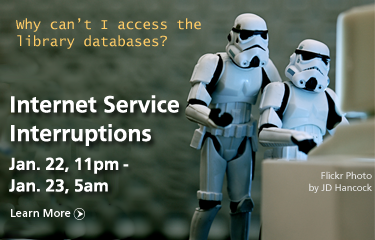
Internet Service Disruptions AdvertisementI love building on fun photos to convey information that would otherwise be dry and boring. This little announcement ended up on our library’s website after our IT department warned us about upcoming internet service upgrades that would impact students’ access to the network and the library’s resources.

For the original Photoshop file, email Veronica Arellano Douglas. The photo is available online through Flickr and can be reused and adapted.

Blog at WordPress.com.

Up ↑